
Claude Code’s default interface is showing up in more GitHub screenshots while developer communities are simultaneously sharing configuration files that completely override Anthropic’s standard setup. This suggests professional users have moved past the out-of-the-box experience into territory most subscribers don’t know exists.
The Default Claude Code Experience Is Designed for Beginners, Not Professionals
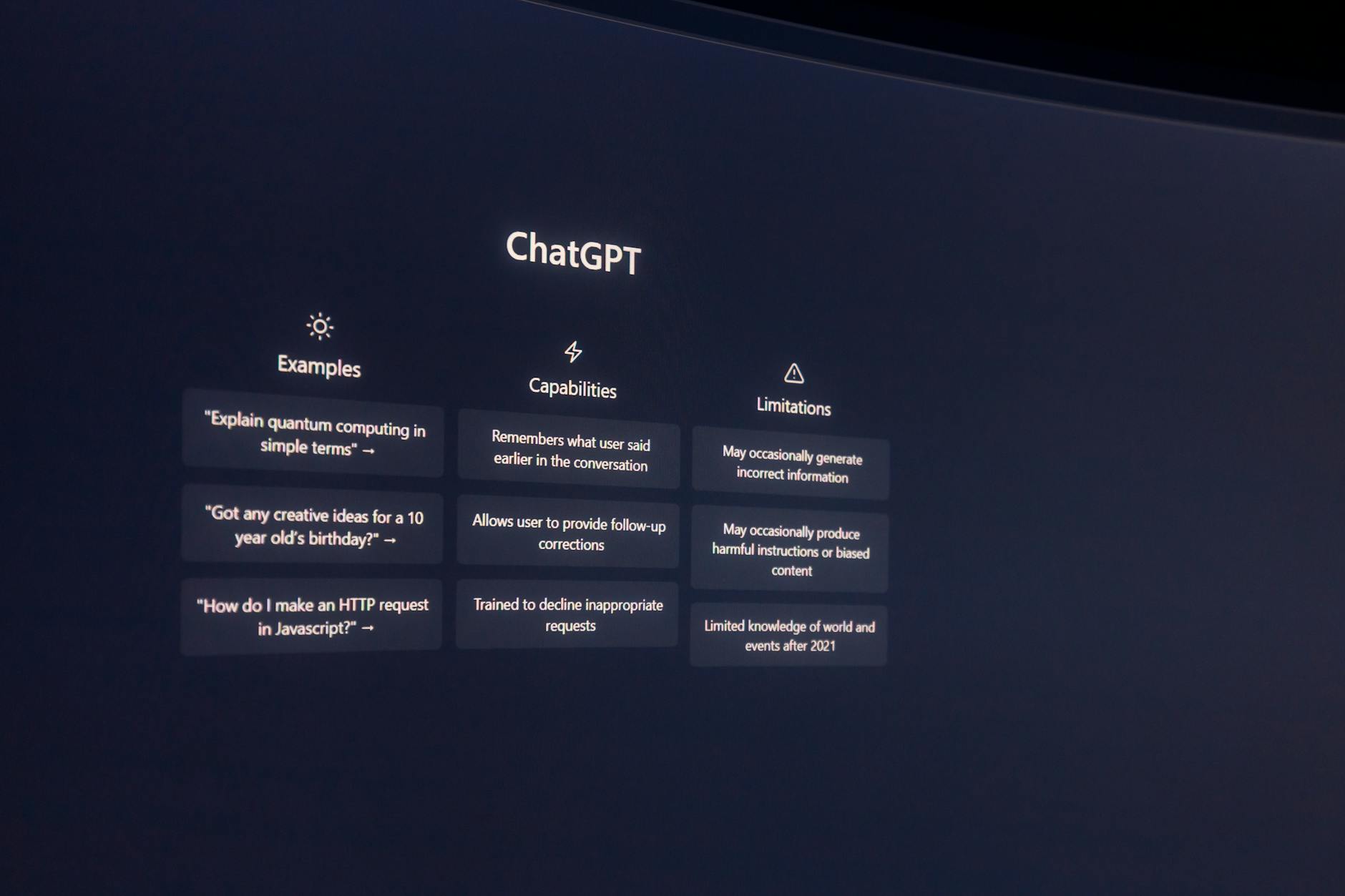
When you first access Claude Code, you get conversation mode with basic syntax highlighting and general-purpose responses. Anthropic built this experience for people who occasionally need code help, not developers running client projects through the system daily.
The interface assumes you want explanations with your code. It breaks down every function and includes comments that experienced developers find redundant. Professional users report spending more time removing Claude’s explanatory text than actually implementing the generated code.
This mismatch becomes expensive fast when you’re billing hours to clients and waiting for Claude to explain basic concepts you already understand.
Why Anthropic’s Own Researchers Configure Claude Code Differently Than You Do
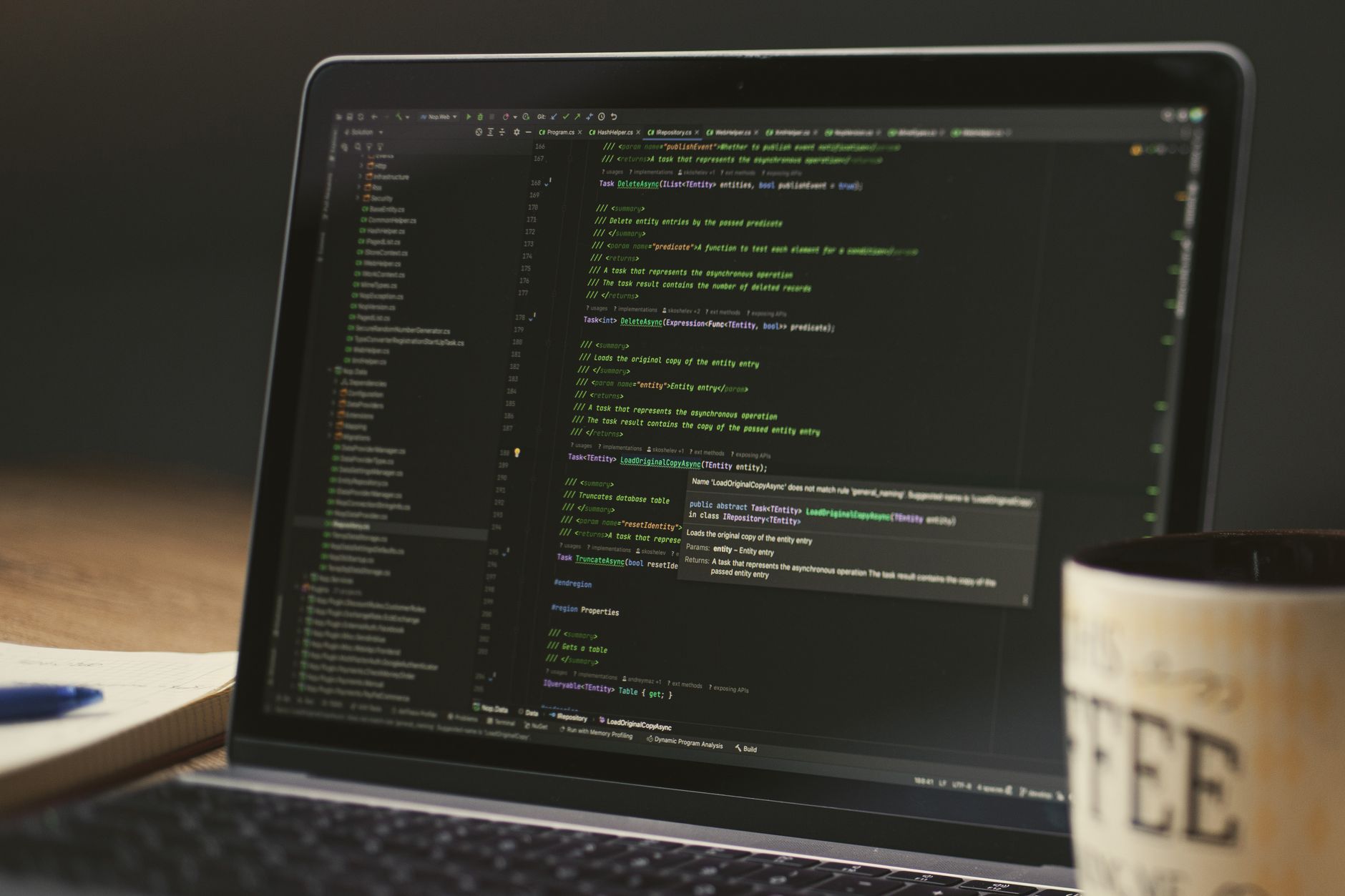
Internal Anthropic usage patterns leaked through their research papers show researchers using Claude with custom system prompts that completely change its behavior. They’re not getting the chatty, educational responses that regular subscribers see.
Their setup prioritizes code output over explanation, uses project-specific context files, and maintains consistent variable naming across sessions. The gap between internal usage and public interface suggests Anthropic knows the default experience isn’t optimal for serious development work.
This explains why some developers get remarkably consistent results while others struggle with the same subscription tier.
The Three Setup Changes That Actually Impact Output Quality

First change: Switch to API mode instead of web interface for any project lasting more than two sessions. The API maintains context better and doesn’t reset your conversation history randomly.
Second: Create project-specific system prompts that define your coding standards, preferred libraries, and output format. Most quality issues stem from Claude defaulting to generic coding practices instead of your project’s established patterns.
Third: Upload your existing codebase as context files rather than pasting snippets into individual conversations. Claude needs to see your architecture to generate code that fits properly.
Most ‘Claude Code Tips’ Articles Miss the Foundational Configuration Problem

Popular Claude Code guides focus on prompt engineering techniques while ignoring the underlying configuration issues. They teach you better ways to ask questions without addressing why the system gives inconsistent answers.
The real problem isn’t prompt quality—it’s that Claude Code resets to beginner mode with each new conversation unless you actively prevent it. Every session starts from scratch without memory of your preferred coding style or project requirements.
Fixing the foundation eliminates most of the prompt optimization work these guides recommend.
How to Know When Your Claude Code Setup Is Actually Working

Properly configured Claude Code generates code that runs without modification on the first attempt more than half the time. If you’re constantly debugging syntax errors or style inconsistencies, your setup needs work.
The second indicator is consistency across sessions. When Claude remembers your variable naming conventions and architectural decisions between conversations, you’ve achieved the configuration most subscribers never reach.
Professional users report their setup is working when they can hand Claude’s output directly to clients without extensive cleanup or explanation.