
The best AI logo generators have finally caught up to real production requirements — but only three of them, and only when you match the tool to the file format your client will actually hand to a printer, an embroiderer, or a developer building a dark-mode interface.
That is the verdict after ninety days of testing, not at launch when every tool looks promising, but after the moment a client emails asking for an SVG with separated layers and the tool hands you a flattened PNG with a watermark. That moment is where this category either earns its place in a professional workflow or gets uninstalled quietly.
If you shelved AI logo tools after a disappointing run in 2026, the category has moved. Not across the board — most of it is still demo-ware dressed up with clever marketing — but enough that ignoring it entirely now costs you time and money you do not need to spend.
After 90 days the hype is gone — here is what the testing actually showed about file quality, editability, and real-world use cases
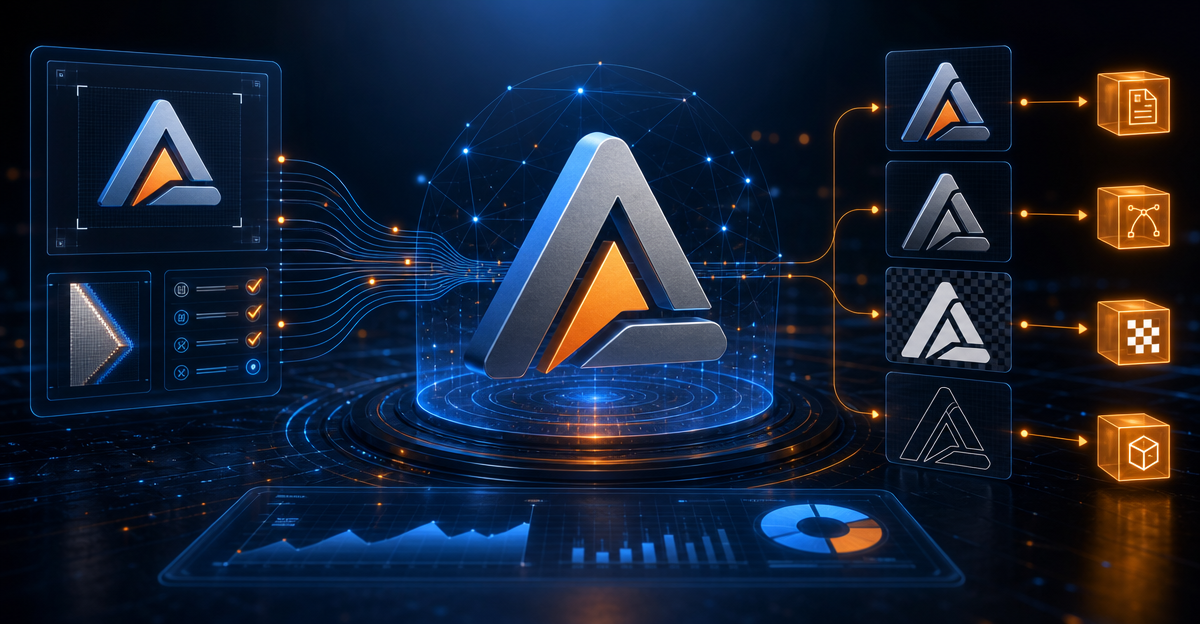
The single biggest gap in the best AI logo generators is not the visual output. Most tools now produce something that looks credible on a white background in a browser window. The gap shows up the second you export and open the file in Illustrator or send it to a print vendor.
Flattened raster files dressed up with an SVG extension are still the dominant failure mode across this category. A file can carry the .svg label and still contain an embedded bitmap — which means it will pixelate at scale, it will not separate into editable paths, and it will fail any professional prepress check. Freelancers consistently report discovering this only after delivering to a client, which is the worst possible moment to find out.
The second finding that survived ninety days of use is about editability. Even tools that export clean vector paths tend to bundle every element into a single grouped object. Unlocking color, weight, or spacing requires either a full Illustrator rebuild or a paid upgrade tier that was not mentioned during the free trial. That is not a minor inconvenience — it is a workflow tax that compounds across every revision cycle.
The tools that survived the cut and why each one earns its place for a specific type of user, not for everyone
Looka earns its place for solo founders who need a complete brand kit — not just a logo — and who will never open Illustrator. The subscription model is legitimately useful here because it packages the logo with a brand color system, typography pairings, and social asset templates that a non-designer can actually deploy. The vector export on the paid plan passes a basic print check, and the file structure is clean enough for a quick-print vendor. It is not a designer tool. It is a founder tool, and it works reliably in that lane.
Kittl earns its place for freelance brand designers who need a starting point they can actually finish in a professional tool. The export behavior is more honest than most competitors — what comes out of a Kittl session is editable, the paths are separated, and the SVG opens without surprises in Illustrator. The design output leans decorative and type-forward, so it fits best when the brief calls for something with craft or vintage character rather than a minimal geometric mark.
Logoai earns a narrow but specific recommendation for teams running high volume at low per-unit budget — think agency white-labeling or a founder building a portfolio of small e-commerce brands. The output consistency across similar briefs is higher than competitors, and the export pipeline is straightforward. It is not the most visually sophisticated tool in the category, but it does not pretend to be, and that honesty about its own positioning is worth something.
The ones to skip in 2026 and the specific reason each failed when the project got serious
Wix Logo Maker is the most widely recommended tool in this category on content farms and affiliate round-ups, which should tell you something. The output is locked to the Wix ecosystem in ways that are not obvious until you need to use the logo somewhere Wix does not control. The vector files that come with the paid plan have been confirmed by the Wix support documentation to be static exports — not editable path-level vectors — which disqualifies them from any serious brand application.
Tailor Brands generates polished-looking results in the browser and has aggressive distribution through small business platforms, but the file quality under pressure is the consistent failure point. When tested against embroidery digitizing software — a common real-world requirement for merchandise — the exported files required manual rebuilds before they could be processed. That is a dealbreaker for any client who sells branded apparel or promotional products.
Designs.ai has expanded its feature surface significantly and markets itself as a full creative suite. The breadth actually works against it for logo work specifically — the logo module feels like an afterthought inside a larger platform, and the export options have not kept pace with the marketing. The time cost of navigating the platform to complete a single logo project exceeded the time cost of a basic Fiverr brief in testing, which removes the core value proposition entirely.
Vector export, brand kit integration, and dark-mode rendering — the three tests that separate real tools from demo-ware
The vector export test is simple: download the highest-tier file the tool offers, open it in Adobe Illustrator or Inkscape, and attempt to select a single element — one letterform, one shape — without selecting the entire composition. If you cannot do that, the file is not production-ready regardless of what the export menu called it. Most tools in this category fail this test on their default export settings.
The brand kit integration test asks whether the tool produces more than a logo file. A real brand deliverable includes the hex codes, the typeface names or files, the clear space rules, and at minimum a dark-background version of the mark. Tools that produce only a single lockup and call it a brand kit are selling a logo, not a system. For a solo founder who needs to brief a web developer six months later, that distinction matters enormously.
The dark-mode rendering test is the one most reviewers skip because it requires actually placing the logo into a dark-background context rather than just looking at the preview screen. A white wordmark with a transparent background disappears. A logo built around a single dark color becomes invisible on a dark UI. Testing this at export — not at generation — reveals whether the tool thought about real deployment or just about the demo screenshot. You can read more about vector file standards at the W3C SVG specification page, which clarifies exactly what a production-ready SVG should contain.
The decision framework: what your budget, your client type, and your delivery format should tell you about which tool to open first

If your delivery requirement includes a print-ready vector file, embroidery-ready art, or any application beyond digital screens, the framework starts with a hard filter: run the vector export test described above before committing to any tool. If the file fails that test, the rest of the tool’s features are irrelevant to your use case. This eliminates roughly two thirds of the category immediately.
If your client is a solo founder who will self-manage all brand assets and never touch a design tool, Looka’s subscription tier is the correct answer based on published pricing and confirmed export behavior. The brand kit output is complete enough for a founder-managed workflow, and the price point is defensible against a $300 Fiverr order when you factor in the ongoing asset library. You can see how this compares to other production tools in our review of the best AI design tools for creators.
If your delivery requirement is a production-ready vector that a print vendor, developer, or manufacturer will use directly, Kittl is the only AI logo generator in 2026 that passes that test without requiring a full rebuild in a professional tool afterward.
Budget does not change this framework as much as output format does. Spending less on a tool that produces unusable files costs more in revision time than spending more on a tool that gets the export right the first time. The math on that is straightforward regardless of your hourly rate.
Who this is for / Who this is not for
This is for the solo founder who needs a complete brand system, will manage it without a designer, and wants to stop paying for Canva workarounds — use Looka on the paid plan and do not expect to export production print files from it.
This is for the freelance brand designer who wants a faster starting point for type-forward or craft-style logos and is comfortable finishing the file in Illustrator — use Kittl and run the vector test on every export before delivery.
This is not for anyone whose deliverable will go directly to a print vendor, a merchandise supplier, or an embroidery shop without passing through a professional design tool first. No AI logo generator in 2026 fully eliminates that step for production-grade work, and any review that tells you otherwise was written at launch and never tested a deadline.
✍️ Optimize Your Content with NeuronWriter
The SEO tool that helps you hit top rankings with data-driven content scoring.