
Should an AI agent decide which Figma layers to merge when your file gets complex, or does that decision change how you think about your design?
Desktop AI agents now operate beyond simple task automation. They watch your screen, interpret context across multiple applications, and make creative decisions that used to require human judgment. The shift from “AI helps me work faster” to “AI decides what I should do next” happened quietly, but the implications for creative control are massive.
For solo creators juggling Photoshop, Notion, Figma, and a dozen browser tabs daily, these agents promise relief from workflow chaos. The question is whether that relief comes at the cost of creative agency.
Desktop agents do more than you think they should

Modern desktop agents don’t just execute commands—they interpret intent across your entire workspace. When you’re switching between Sketch and a mood board in Safari, the agent notices the pattern and starts suggesting color palettes before you ask. This crosses from automation into creative suggestion territory.
The agent becomes a creative collaborator you never explicitly invited to the process.
These systems monitor application usage, file access patterns, and even typing rhythms to predict next actions. A desktop agent might automatically organize your Figma components based on usage frequency, or restructure your Notion workspace to match project timelines it detected from your calendar. The efficiency gains are real, but so is the subtle shift in who controls creative decisions.
Agency versus efficiency creates an impossible choice

Desktop agents force creators into a false binary: accept AI decision-making for speed gains, or maintain full control and sacrifice productivity. There’s no middle ground when an agent is deciding which design iterations to archive or which research notes deserve priority placement.
The efficiency improvements are significant enough that saying no feels irrational. An agent that auto-generates social media variants from your main design saves two hours per project. But it also chooses which visual elements to emphasize, which colors to adjust, and which compositions work best. Those aren’t neutral productivity gains—they’re aesthetic decisions with your name attached.
Creators find themselves accepting AI choices they wouldn’t make manually, simply because the alternative means doubling their workload. The tool’s convenience becomes a creative constraint disguised as a productivity enhancement.
The creative process needs human inefficiency to work

Creative breakthroughs often emerge from inefficient processes—the random browser tab that sparks a new direction, the accidental color combination from a misclick, the tangential research that reshapes an entire project. Desktop agents optimize these inefficiencies away.
When an AI agent automatically closes “irrelevant” browser tabs or reorganizes your desktop to match productivity best practices, it eliminates the productive chaos that feeds creative work. The agent doesn’t understand that your seemingly random collection of open applications represents a thinking process, not poor organization.
Human inefficiency in creative work is a feature, not a bug that needs fixing.
The most innovative solutions often come from unexpected connections between disparate elements. Desktop agents, trained on efficiency patterns, actively work against the messy, non-linear nature of creative exploration. They solve the wrong problem by treating creativity like a workflow optimization challenge.
Most creators want AI assistance, not AI control
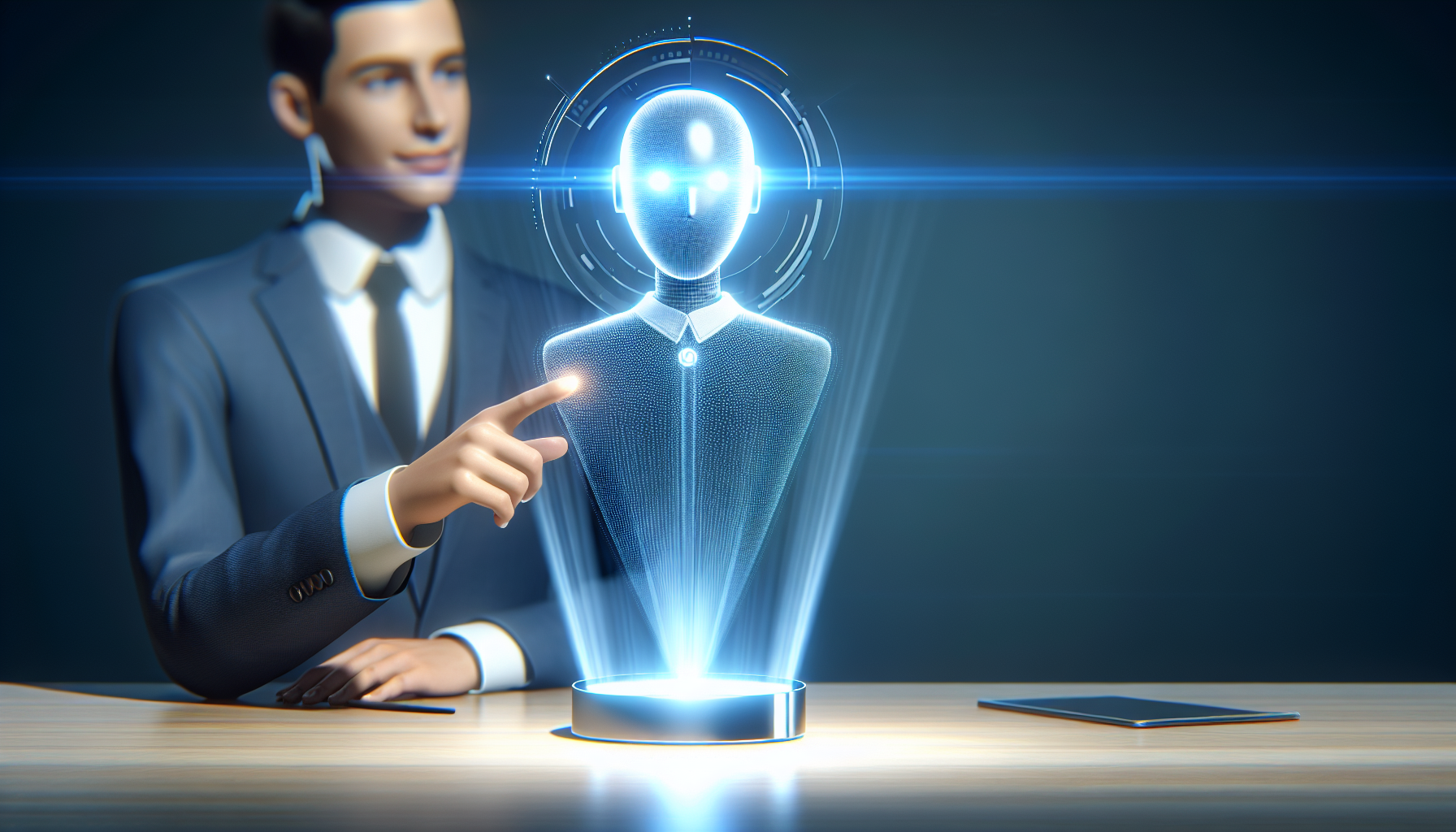
The distinction between AI assistance and AI control matters more than tool developers acknowledge. Creators consistently express comfort with AI handling repetitive tasks—batch image resizing, file organization, template generation. The resistance emerges when AI systems start making creative judgment calls.
A desktop agent that automatically sorts design assets by color is helpful. The same agent deciding which design concepts deserve prominent placement in your workspace crosses into creative territory that most creators want to control personally. The technical capability exists, but the creative comfort level doesn’t.
Successful AI integration in creative workflows requires explicit human approval for decisions that affect creative direction. The best tools ask “Should I archive these design variations?” rather than automatically making that choice. The extra click preserves creative agency while maintaining efficiency benefits.
Where to draw your personal automation boundary

Effective automation boundaries separate mechanical tasks from creative decisions. Let AI agents handle file management, application switching, and repetitive formatting. Keep human control over concept selection, aesthetic choices, and project direction decisions.
The practical test: if the AI decision changes how your audience experiences your work, that decision should require human approval. Color palette suggestions are helpful; automatically applying those palettes crosses the line. Research organization improves efficiency; automatically prioritizing which research influences your project direction affects creative outcomes.
Your automation boundary should protect the decisions that make your work distinctly yours.
Set explicit limits in whatever desktop AI tools you choose. Turn off features that make creative choices automatically, even if they promise efficiency gains. The goal is AI that amplifies your creative decision-making, not AI that replaces it. The most powerful creative workflows combine AI efficiency with human creative control, not AI efficiency at the expense of creative agency.