
TL;DR
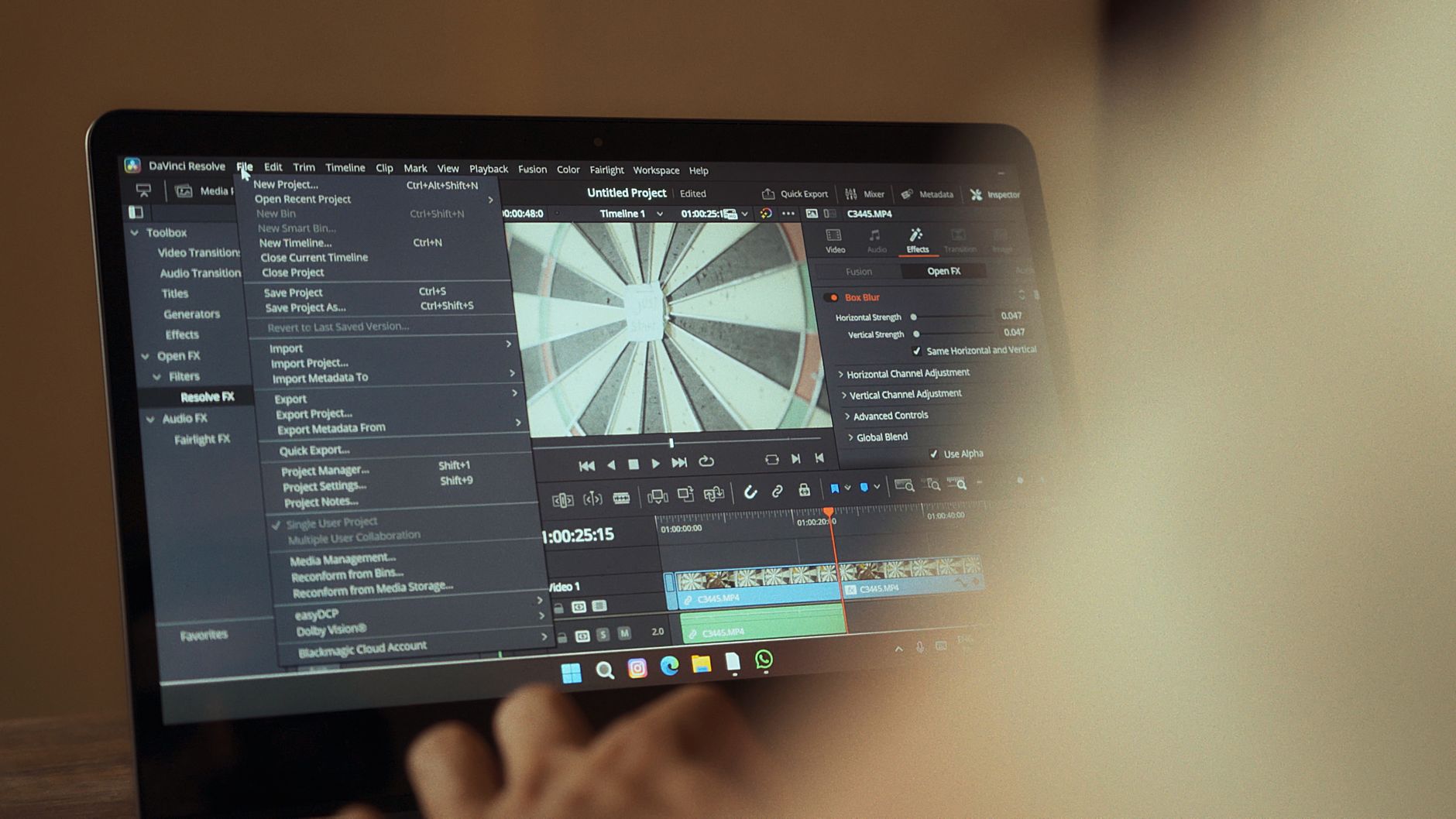
A new generation of video-to-video AI models can now transform existing footage — changing style, setting, or subject motion — without a reshoot. For working creators, this collapses the gap between rough footage and publish-ready content, but only if you understand which tools are actually capable and which are still producing inconsistent results.
If you shot usable footage this week but the location, lighting, or visual style is wrong for the brief, you no longer have to reshoot it — video-to-video AI models have matured enough in 2026 that retransforming existing clips into a different aesthetic or environment is a real production option, not a demo trick.
What Exactly Changed
The 2026 cohort of video-to-video models — including updated releases from tools in the Runway, Pika, and Kling family — now process motion consistency across frames at a level that was visibly broken in earlier versions. The core shift is temporal coherence: subjects no longer flicker or distort between frames when a style transfer or scene replacement is applied. That was the single failure point that made previous video-to-video output unusable for anything beyond experimental content.
Several of these models now accept a reference video as a structural input and a text or image prompt as a style target, then output a restyled clip that preserves the original motion path. It is not yet clear whether all platforms have standardized the maximum input resolution or clip length this pipeline can handle without quality degradation — individual tools are publishing different specs and some have not disclosed exact figures for their current production limits.

What This Breaks or Improves
Here is the specific scenario that matters: you are a freelance content creator who filmed a product walkthrough in a cluttered apartment. The client wanted a clean studio feel. Previously, your options were reshoot or manual compositing in Premiere — both expensive in time or money. With a functional video-to-video pipeline, you upload the clip, prompt for a minimal white studio environment, and the model retains your hand movements and product handling while replacing the background and adjusting the lighting grade to match.
That single use case eliminates what was previously a half-day fix and turns it into a 20-minute render queue. The caveat is render cost — most platforms charge per second of output, and a 60-second clip processed at high quality through a tool like Runway Gen-3 or a comparable 2026 model can run between $0.50 and several dollars depending on resolution tier. For high-volume creators producing multiple videos per week, that cost accumulates fast and needs to be factored into project quotes before you commit to using this in a client workflow.
Who This Affects Most
Freelance video producers working with clients who change briefs after filming are the clearest winners here. If you regularly deal with post-shoot scope changes — reskin the environment, match a new brand color palette, shift the tone from corporate to casual — video-to-video tools now give you a production lever that did not exist at this quality level before. You can absorb minor visual brief changes without renegotiating the shoot.
UGC creators and social video producers working at high volume also have a direct use case: repurposing one piece of footage across multiple platform aesthetics without filming the same thing twice. A clip styled for a cinematic Instagram reel can be retransformed into a flat, bright TikTok-native look from the same source file. Creators who shoot once and distribute across six platforms are the ones who will feel this shift most immediately in their weekly output speed.
Creators who work primarily in text or static image content — bloggers, newsletter writers, graphic designers — have no immediate workflow change here. This development does not touch your tools or your production costs.

What to Do Right Now
Pick one piece of footage you already have — ideally a clip you considered unusable or suboptimal — and run it through a video-to-video pipeline on whichever platform you currently have access to. Do not start with your best content or a client deliverable. Use the throwaway clip specifically because you need to understand where the model breaks: watch for subject distortion on fast movement, check whether fine detail like text or hands degrades, and note whether the output resolution matches your distribution requirement.
The reason to do this now rather than later is that your evaluation needs to happen on your footage, your subjects, and your typical shot style — not on the polished demo clips that platforms use in their own marketing. Your production reality is the only benchmark that matters for your workflow decision.
Final Take
Video-to-video AI in 2026 is a real production tool for the first time — not a novelty and not a finished product. Freelance video producers and high-volume social creators should be actively testing it now because the efficiency gains on specific use cases like environment replacement and style retransfer are genuine. If you are billing hourly for post-production fixes that this can automate, you either use it to increase your margin or your clients will eventually find someone who does. Creators outside video production can ignore this cycle entirely — the noise around it is loud, but the relevance is narrow.
