
You have content ideas scattered across notes, deadlines looming in your head, and clients asking for status updates while you juggle three blog posts and two social campaigns. Both Notion AI and ClickUp AI promise to streamline your content planning, but they approach the problem from completely different angles.
Why this matters right now
Content creators are drowning in planning overhead. You spend more time organizing your content pipeline than actually creating content. The rise of AI-powered workspace tools means you can now automate idea generation, brief creation, and project tracking within your existing workflow.
Traditional content planning involves switching between multiple apps for brainstorming, project management, and collaboration. AI integration within these platforms eliminates context switching and reduces the mental load of keeping everything organized. Your planning system either supports your creative process or becomes another obstacle to navigate.
What actually changes the result
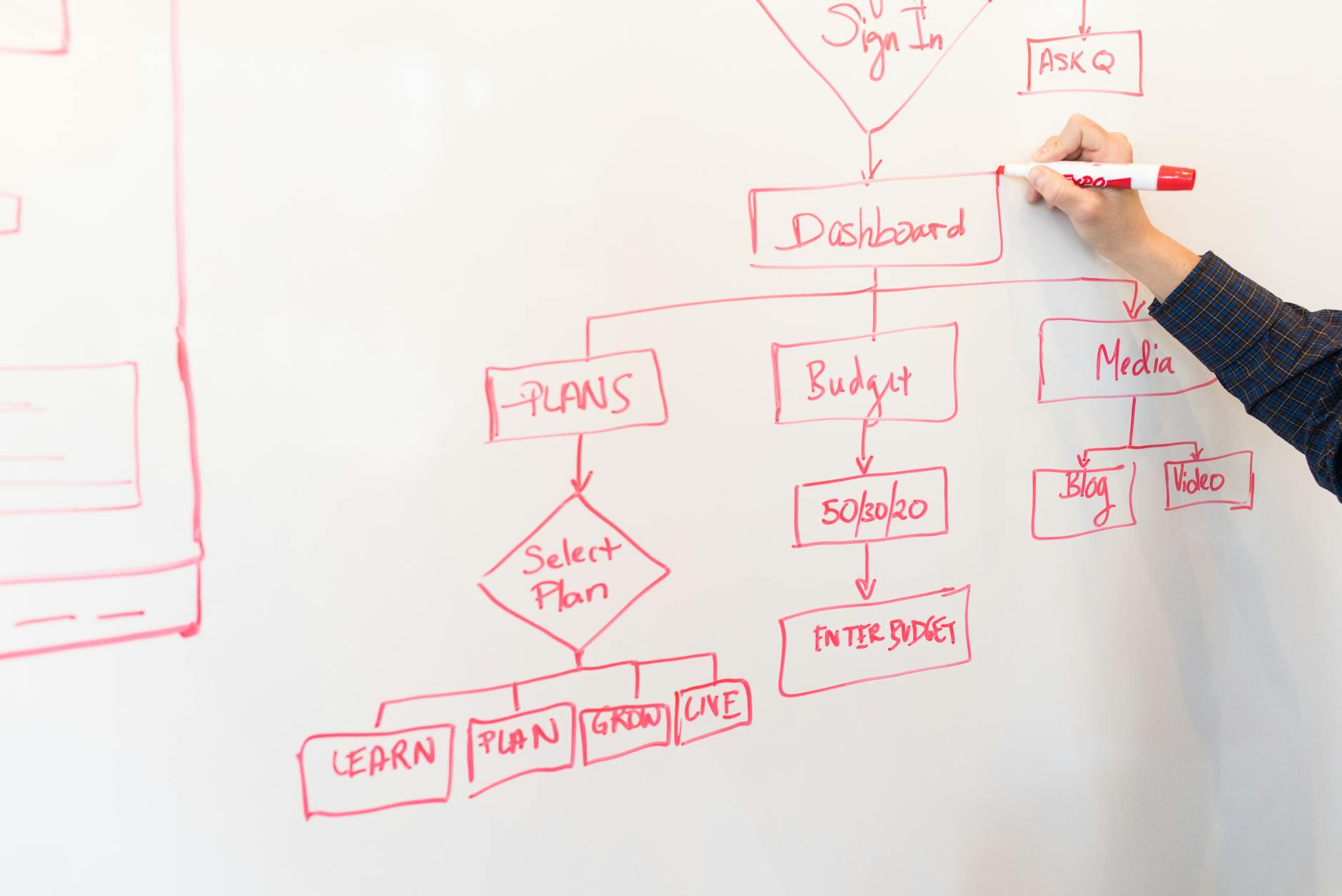
Notion AI excels at transforming loose ideas into structured content. It can take your brain dump of topics and generate detailed content briefs, suggest related angles, and create templates for recurring content types. The AI feels like having a research assistant who understands your content style and can expand on your initial concepts.
ClickUp AI focuses on project execution and team coordination. It generates task descriptions, estimates timeframes, and creates dependencies between content pieces. The AI suggests optimal workflows based on your content calendar and can automatically assign tasks when team members complete their portions.
The fundamental difference lies in creative support versus operational efficiency. Notion AI helps you think through content strategy and develop ideas, while ClickUp AI helps you execute and deliver content on schedule.

Where this fits and where it does not
Notion AI works well for solo creators and small teams who need flexible content structures. If you create long-form content, manage editorial calendars with complex categorization, or need to maintain detailed content libraries, Notion AI adapts to your thinking process. The database functionality combined with AI makes it powerful for content research and knowledge management.
ClickUp AI suits teams with defined content processes and multiple stakeholders. If you manage client approvals, coordinate with designers and editors, or track content performance across multiple campaigns, ClickUp AI keeps everyone aligned. The project management foundation makes it stronger for content operations than content development.
Neither tool replaces dedicated writing software or design platforms. Notion AI cannot match the writing features of dedicated tools like Jasper or Copy.ai, while ClickUp AI lacks the creative brainstorming capabilities of specialized content ideation platforms.
The part most reviews skip
Notion AI responses can be inconsistent with complex content briefs. The AI sometimes generates generic suggestions that require significant editing to match your brand voice or content standards. Database queries combined with AI prompts often produce irrelevant results, forcing you to refine your approach multiple times.
ClickUp AI struggles with creative context and nuanced content requirements. The AI tends to create overly granular tasks that fragment your creative process into micro-steps. Project templates generated by AI often include unnecessary complexity that slows down simple content creation workflows.
Both platforms require significant setup time to train their AI on your specific content needs. The learning curve involves not just mastering the tool interface but also developing effective AI prompts that consistently produce useful results for your content planning style.

Where to start
Begin with your current content planning pain points. If you struggle with idea development and content structure, start with Notion AI using their content calendar template. Create a simple database for your content topics and experiment with AI-generated briefs for your next three pieces.
If project delays and team coordination cause more frustration, try ClickUp AI with their content marketing template. Set up a basic workflow for one content type and let the AI suggest task breakdowns and timelines. Focus on automating your most repetitive planning tasks first.
Spend two weeks using only the AI features that directly address your biggest workflow bottleneck. Avoid the temptation to implement every available AI feature simultaneously, which leads to overwhelm and abandonment of the system entirely.

Final thought
Your content planning system should disappear into the background, not demand constant attention and maintenance. Choose the tool that aligns with whether you need more help developing content ideas or executing content projects. The AI component only adds value when it reduces friction in your existing creative process, not when it introduces new complexity to navigate.
✍️ Optimize Your Content with NeuronWriter
Want to rank higher on Google? Try NeuronWriter — the AI-powered SEO writing tool we use to optimize every post.