
Table of Contents
Why Generic AI Workflows Don’t Work for Creators
The Three-Tool Rule: Planning, Production, Distribution
What Actually Breaks in Creator AI Workflows
You have seventeen AI tools bookmarked, three different content calendars, and you still spend Tuesday mornings staring at a blank screen wondering what to post.
The problem isn’t that you need more AI tools. The problem is that most creators are building Frankenstein workflows with tools that don’t actually talk to each other, creating more decision points instead of fewer.
After watching hundreds of creators struggle with AI tool overwhelm, the pattern is clear: successful creators use fewer tools, not more. They focus on eliminating bottlenecks in their specific workflow rather than adopting every new AI tool that launches.
Why Generic AI Workflows Don’t Work for Creators

Generic AI workflows assume all creators work the same way, but a daily YouTube creator operates completely differently from someone who publishes weekly newsletter deep-dives. The YouTube creator needs rapid ideation and quick turnaround tools, while the newsletter writer needs research depth and long-form structuring.
Input specificity matters more than tool features. If you create video content, your planning phase starts with visual concepts and thumbnail ideas. If you write newsletters, planning begins with research sources and argument structure. The same AI tool that excels at visual brainstorming often fails at research organization.
Output schedules drive tool requirements in ways most guides ignore. Creators posting daily need AI tools that work fast and require minimal editing, even if the output is less polished. Weekly creators can use tools that require more manual refinement because they have time to iterate.
The common mistake here is adopting someone else’s complete tool stack without understanding why they chose each piece. A creator with a research assistant has different AI needs than a solo creator doing everything themselves. Context determines everything.
The Three-Tool Rule: Planning, Production, Distribution
Successful creators limit themselves to one primary AI tool per workflow stage to avoid decision fatigue. Planning tools help generate ideas and structure content. Production tools handle the actual creation process. Distribution tools manage posting and promotion across platforms.
Planning phase input comes from your content pillars and audience feedback, processed through ideation AI, outputting a structured content calendar with specific angles for each piece.
Production phase input is your planned content structure, processed through creation-focused AI tools, outputting your finished content ready for final review. Distribution phase input is your completed content, processed through scheduling and optimization tools, outputting posted content across your chosen platforms.
The common mistake is using multiple AI tools within each phase, creating decision paralysis. When you have three different AI writing tools, you waste mental energy choosing which one to use instead of just creating content. Pick one tool per phase and stick with it for at least three months before evaluating alternatives.
What Actually Breaks in Creator AI Workflows
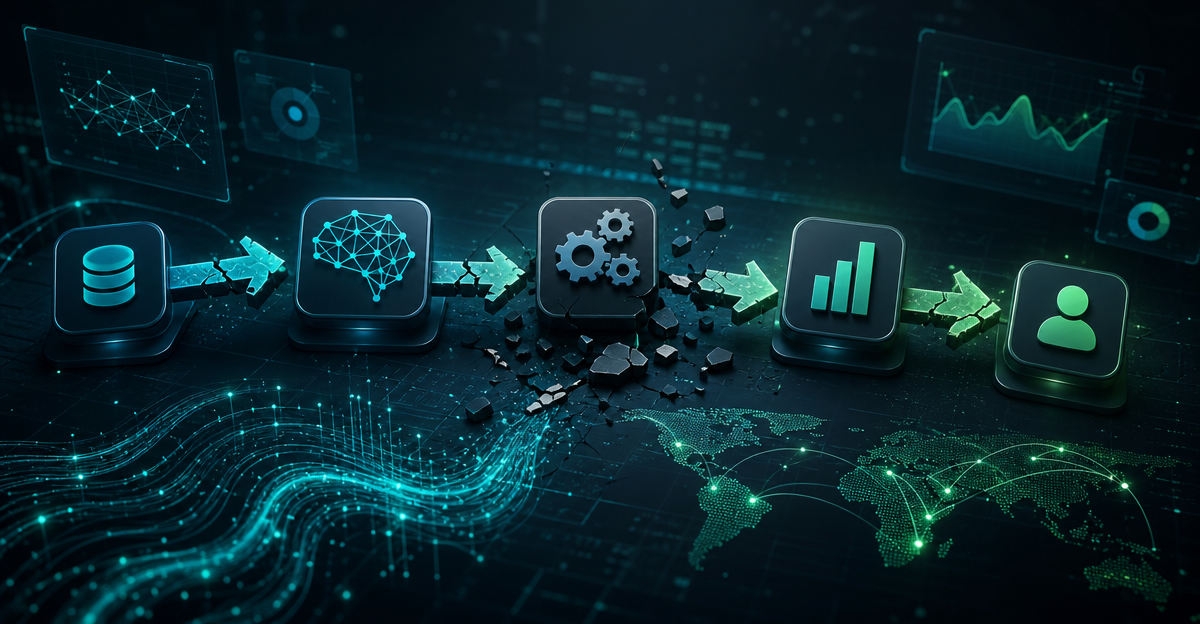
The biggest friction points happen between tools, not within them. Your planning AI generates ideas in one format, but your production AI expects input structured completely differently. You spend twenty minutes reformatting between tools instead of creating content.
Context switching between AI interfaces kills productivity more than any individual tool limitation. Each AI tool has different prompting styles, different ways to access previous conversations, and different export formats. Your brain burns energy adapting to each interface instead of focusing on your content.
Version control becomes impossible when content lives across multiple AI platforms. You start a video script in one tool, develop the outline in another, and write promotional copy in a third. When you need to make changes, you cannot remember which version is the most current or where specific edits were made.
The common mistake is assuming AI tools will automatically integrate with your existing workflow. Most creators discover integration problems only after they have committed to a tool and generated content they cannot easily export or modify elsewhere.
Building Your Personal AI Stack: Questions Before Tools
Start by mapping your actual workflow, not your ideal workflow. Track what you do during content creation for one week without changing anything. Note every step from initial idea to published content, including time spent on each phase.
Identify your specific bottlenecks by finding where you consistently get stuck or spend disproportionate time. If you always struggle with headlines, you need AI focused on title generation. If research takes too long, you need AI that excels at information synthesis. Match tools to actual problems, not perceived needs.
Evaluate your content consistency requirements before choosing AI tools. Some creators need every piece to sound exactly like their voice, requiring AI tools with strong customization. Others prefer varied content styles and can use more general AI tools that require less setup time.
Consider your editing preference when selecting AI tools. If you prefer to edit heavily, choose AI tools that generate rough drafts quickly. If you want minimal editing, invest time in training AI tools to match your style precisely, even if initial setup takes longer.
The common mistake is choosing AI tools based on features rather than workflow fit. A tool with amazing capabilities that doesn’t match your actual working style will create more friction than value.
The Creator AI Tools Worth Keeping (and Removing)
For daily content creators posting across multiple platforms, Claude excels at planning phase work because it maintains context across long conversations and handles multiple content variations from single inputs. ChatGPT works better for production when you need consistent formatting and structured outputs that require minimal editing.
Video creators should prioritize AI tools that understand visual concepts over pure text generators. Remove general writing AI if you primarily create video content, because tools trained on visual media understand pacing and storytelling differently than text-focused AI.
Newsletter writers benefit from AI tools that excel at research synthesis and long-form structure. Perplexity handles research gathering better than general AI tools because it includes source citations and recent information. Remove social media focused AI tools if newsletters are your primary format.
Solo creators should eliminate AI tools that require team collaboration features, which add interface complexity without providing value. Multi-person creator teams need AI tools with sharing capabilities and version control, making simple single-user tools inadequate.
The common mistake is keeping AI tools for hypothetical future needs rather than current workflow requirements. Every unused tool in your stack creates decision fatigue when you are trying to create content quickly.
When your AI workflow breaks, the solution is usually subtraction, not addition. Remove the tool causing the most friction before looking for alternatives. Most creators discover their workflow improves when they eliminate problematic tools entirely rather than trying to work around their limitations.
✍️ Optimize Your Content with NeuronWriter
The SEO tool that helps you hit top rankings with data-driven content scoring.