
OpenAI has released ChatGPT Images 2.0, introducing new features designed specifically for content creators and visual designers. The update includes improved image quality, better prompt understanding, and new editing capabilities that change how creators approach AI-generated visuals.
What exactly changed

ChatGPT Images 2.0 brings higher resolution output with images now generating at up to 2048×2048 pixels compared to the previous 1024×1024 limit. The system now processes more complex prompts with better understanding of style directions, composition requests, and specific visual elements.
The update includes in-chat editing tools that allow users to request modifications directly within the conversation interface. Users can now ask for specific changes like color adjustments, object removal, or style variations without starting a new prompt sequence.
OpenAI has also improved the consistency of character and object representation across multiple generated images. This addresses a common creator concern about maintaining visual coherence in content series or brand materials.
How this affects your workflow

Content creators who relied on separate image editing software for post-generation modifications can now handle basic adjustments within ChatGPT itself. This reduces the need to switch between applications during the creative process.
The higher resolution output eliminates the upscaling step that many creators previously required for professional use. Images generated at 2048×2048 meet the quality standards for most social media platforms, blog posts, and digital marketing materials without additional processing.
For creators producing content series or maintaining brand consistency, the improved character and style coherence reduces the trial-and-error approach. This means fewer regeneration attempts to achieve matching visual elements across multiple pieces.
What to do right now

Test the new resolution capabilities with your typical image prompts to understand the quality improvement for your specific use cases. Compare the results against your current workflow to identify where the enhanced output can replace additional editing steps. Focus on prompts that previously required multiple attempts to achieve consistency, as the improved understanding may reduce your iteration time.
Experiment with the in-chat editing features using requests like “make the background darker” or “remove the text element” to understand the scope of modifications possible. This will help you determine which editing tasks you can now handle within ChatGPT versus external software. Document which types of changes work effectively and which still require dedicated editing tools for future workflow planning.
What this means longer term
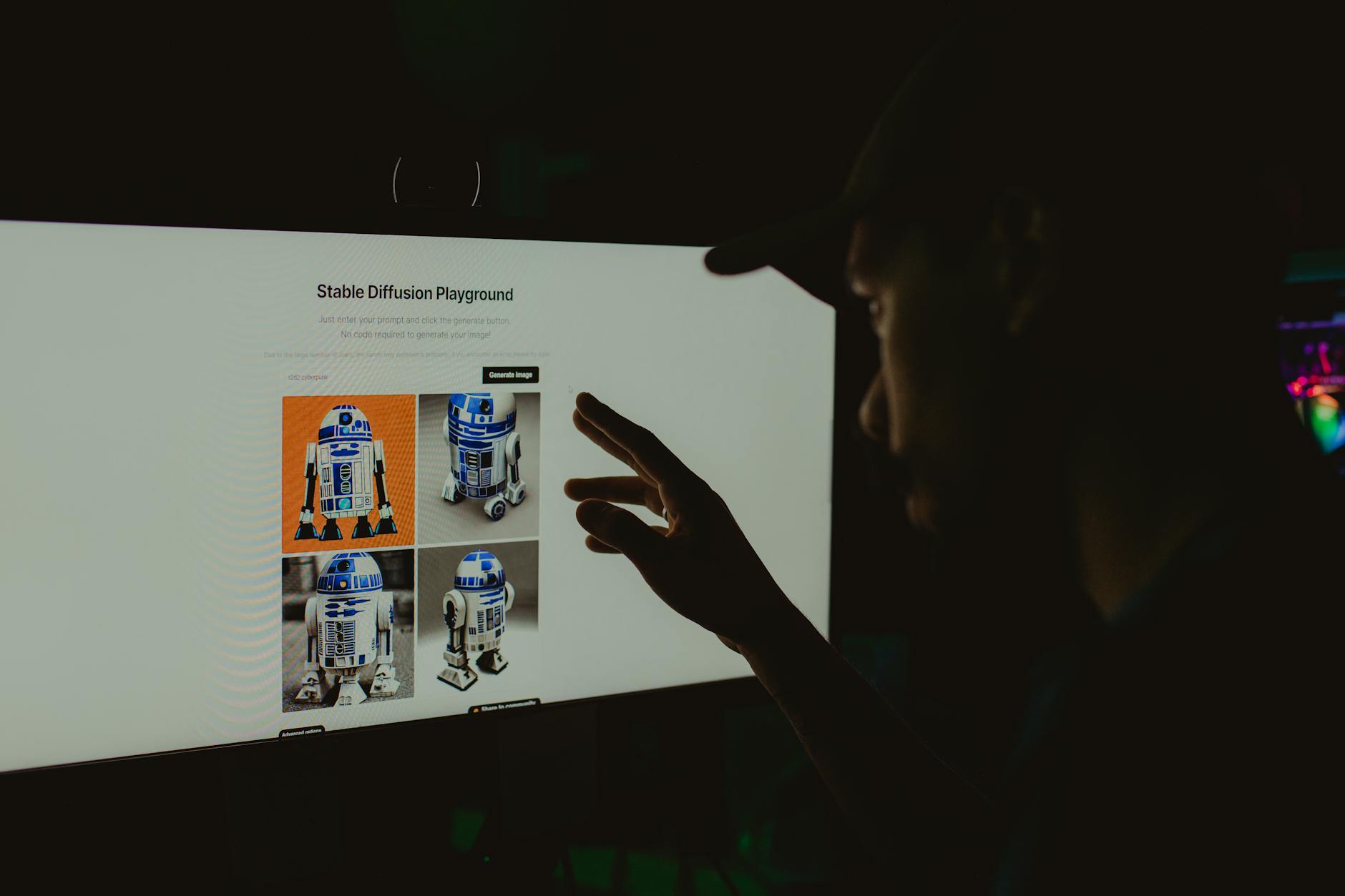
ChatGPT Images 2.0 represents a shift toward integrated creative workflows where generation and editing happen within a single interface. This trend suggests that specialized image editing software may need to focus on advanced features that AI tools cannot yet handle.
The consistency improvements indicate that AI image generation is moving toward reliability standards that professional creators require. Future updates will likely continue addressing the gaps between AI-generated content and traditional design workflows.
As resolution and quality continue improving, the distinction between AI-generated and traditionally created visuals becomes less relevant for many creator applications. This shifts the focus from generation quality to creative direction and prompt crafting skills.
Final thought
ChatGPT Images 2.0 delivers practical improvements that address real creator workflow challenges rather than flashy new capabilities. The combination of higher resolution, better consistency, and integrated editing moves AI image generation closer to being a reliable tool rather than an experimental option for content creators.