
Adobe added AI-powered color grading capabilities to Premiere Pro, extending their Firefly AI platform into professional video editing workflows. The update introduces automated color matching and intelligent tone adjustments that process footage without manual keyframe work.
What exactly changed
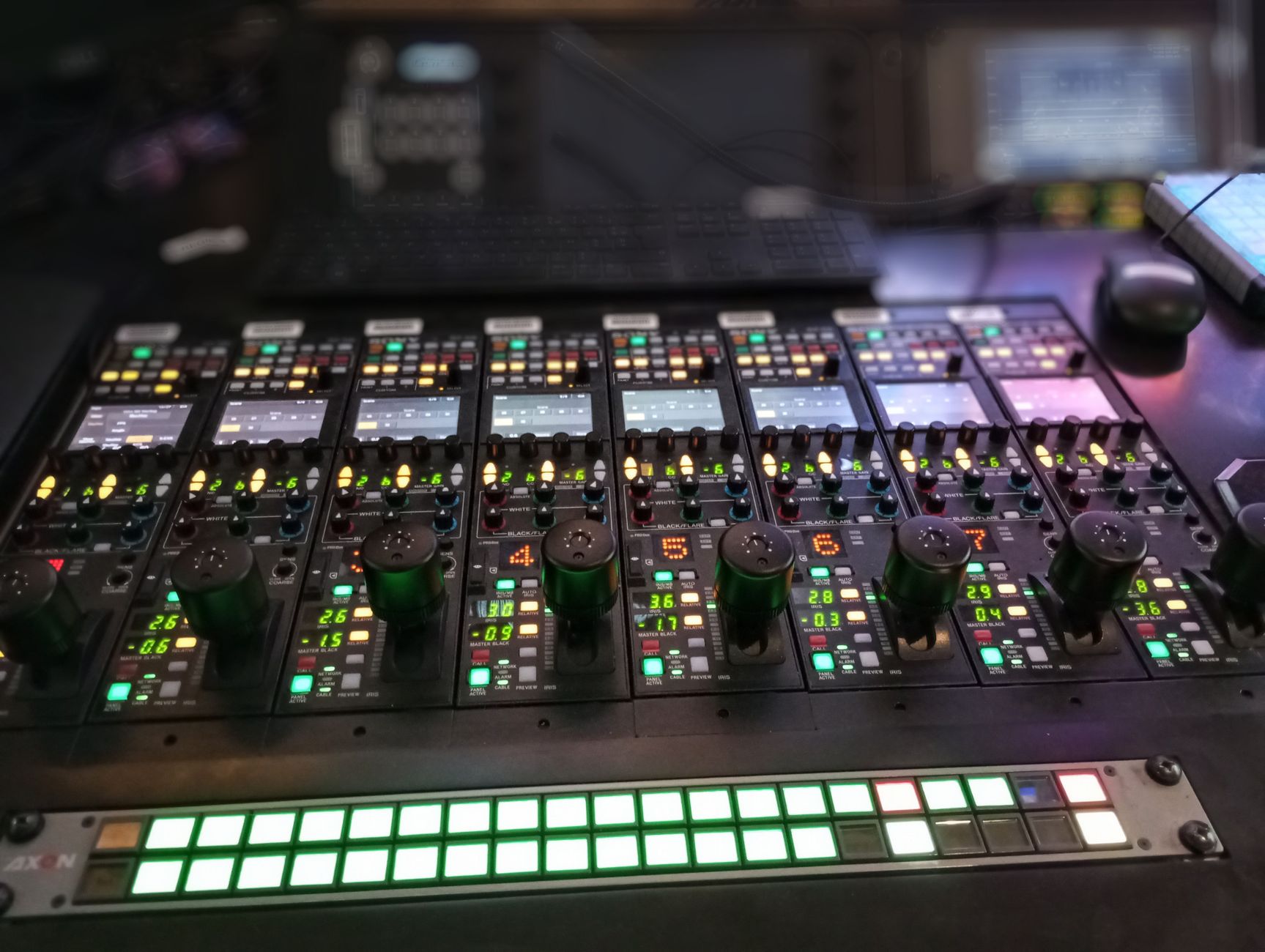
Adobe integrated Firefly’s AI engine directly into Premiere’s Lumetri Color panel. The system can now analyze footage and suggest color corrections based on scene content, lighting conditions, and artistic intent. Video editors can describe desired color moods using natural language prompts instead of adjusting individual color wheels.
The AI color tools include automatic skin tone preservation, intelligent highlight recovery, and contextual shadow lifting. Adobe trained these models on professional colorist workflows and cinema-grade footage to maintain broadcast standards. The processing happens locally within Premiere, avoiding cloud dependencies during editing sessions.
How this affects your workflow

Content creators working with multi-camera setups or mixed lighting scenarios can now achieve consistent color matching across clips automatically. The AI analyzes each shot’s characteristics and applies matching adjustments without requiring manual shot-by-shot correction work. This reduces post-production time significantly for creators managing regular content schedules.
The natural language color prompting allows creators to request specific moods like “warm sunset tone” or “cool corporate look” without understanding technical color theory. Premiere’s AI interprets these descriptions and applies appropriate adjustments to highlights, midtones, and shadows. Creators can still make manual refinements after AI processing completes.
What to do right now
Update to the latest Premiere Pro version to access the AI color features through Adobe Creative Cloud. The tools appear in the familiar Lumetri Color workspace, so existing color correction knowledge still applies. Test the AI suggestions on sample footage before committing to important projects, as the system learns from user feedback over time.
Start with the automated color matching feature when working with footage from multiple cameras or lighting setups. Use the natural language prompts for initial color direction, then refine manually as needed. The AI works best with well-exposed footage, so maintain proper exposure practices during filming. Document which AI settings work well for your typical content style to streamline future projects.
What this means longer term

Adobe’s integration of AI color tools signals a shift toward intelligent post-production assistance rather than replacement of creative decision-making. Video creators can expect similar AI enhancements in other Premiere areas like audio mixing, motion graphics, and timeline organization. The technology will likely expand to handle more complex color scenarios and artistic styles as the models improve.
Professional colorists and video editors may find their roles evolving toward creative direction and quality control rather than technical execution. The democratization of advanced color grading could enable smaller creators to achieve professional-looking results without extensive technical training. However, understanding color theory remains valuable for achieving specific creative visions beyond AI capabilities.
Final thought
Adobe’s AI color tools represent practical innovation that addresses real workflow pain points for video creators. The integration feels natural within existing Premiere workflows while reducing repetitive technical tasks. This allows creators to focus more energy on storytelling and creative decisions rather than technical color correction processes.