
Adobe expanded Firefly’s capabilities with new video creation tools that let content creators generate and edit video content directly within the platform. The update introduces AI-powered video generation, enhanced color workflows in Premiere Pro, and streamlined integration across Adobe’s creative suite.
What exactly changed
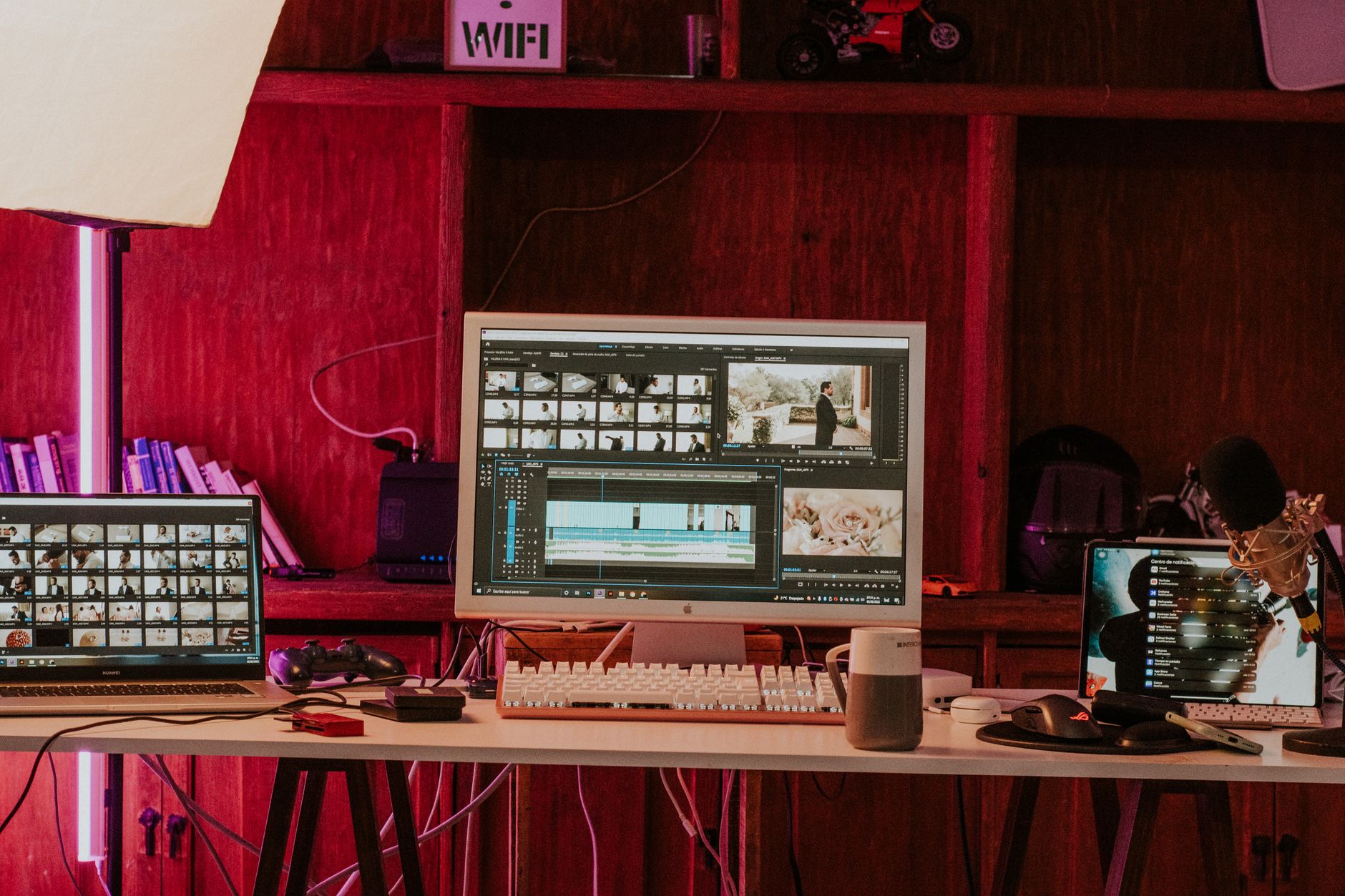
Adobe added video generation capabilities to Firefly, allowing users to create video clips from text prompts and still images. The update includes new color management tools in Premiere Pro that use AI to match and adjust color schemes automatically. Firefly now connects more seamlessly with other Adobe applications, reducing the steps needed to move projects between tools.
The video generation feature works similarly to Firefly’s image creation but produces short video clips instead of static images. Adobe also introduced enhanced motion controls that let creators adjust speed, direction, and camera movements within generated clips.
How this affects your workflow

Video creators can now generate B-roll footage and background clips without leaving their Adobe workspace. The color matching tools reduce time spent on manual color correction, particularly when combining footage from different sources or cameras. Projects move faster between Photoshop, After Effects, and Premiere Pro with the improved integration.
Creators working on tight deadlines benefit from the ability to generate placeholder or supplementary video content quickly. The AI-generated clips work well for social media content, YouTube intros, and background elements in larger productions.
What to do right now

Check if your Creative Cloud subscription includes access to the new Firefly video features, as availability varies by plan tier. Test the video generation with simple prompts to understand output quality and typical generation times for your content needs. Experiment with the color matching tools on existing projects to see how they integrate with your current editing process.
Review your typical video creation workflow to identify where AI-generated clips could replace time-consuming elements like transitions or background footage. Start with smaller projects to get comfortable with the new tools before applying them to client work or major productions.
What this means longer term

Adobe’s expansion into AI video generation signals a shift toward more automated video production workflows. Content creators may find themselves spending less time on technical editing tasks and more time on creative direction and strategy. The integration improvements suggest Adobe is working toward a more unified creative environment.
As these tools mature, the distinction between generated and filmed content will become less relevant for many types of video projects. Creators who adapt early to these hybrid workflows will likely maintain competitive advantages in speed and cost efficiency.
Final thought
Adobe’s video expansion of Firefly represents a natural progression in AI-assisted content creation rather than a revolutionary change. The tools complement existing workflows without requiring creators to abandon their current methods or learn entirely new systems.