
You record your podcast, export the file, and face the same decision every episode: spend hours manually editing or trust AI to handle the heavy lifting. Two tools dominate this space, but they approach podcast editing from completely different angles.
Why this matters right now
Podcast creation has shifted from hobby territory to serious content strategy for creators building audiences. The editing bottleneck often determines whether you publish consistently or burn out after a few episodes.
AI editing tools promise to compress hours of post-production into minutes. The reality depends heavily on which tool matches how you actually work and what your episodes require.
What actually changes the result
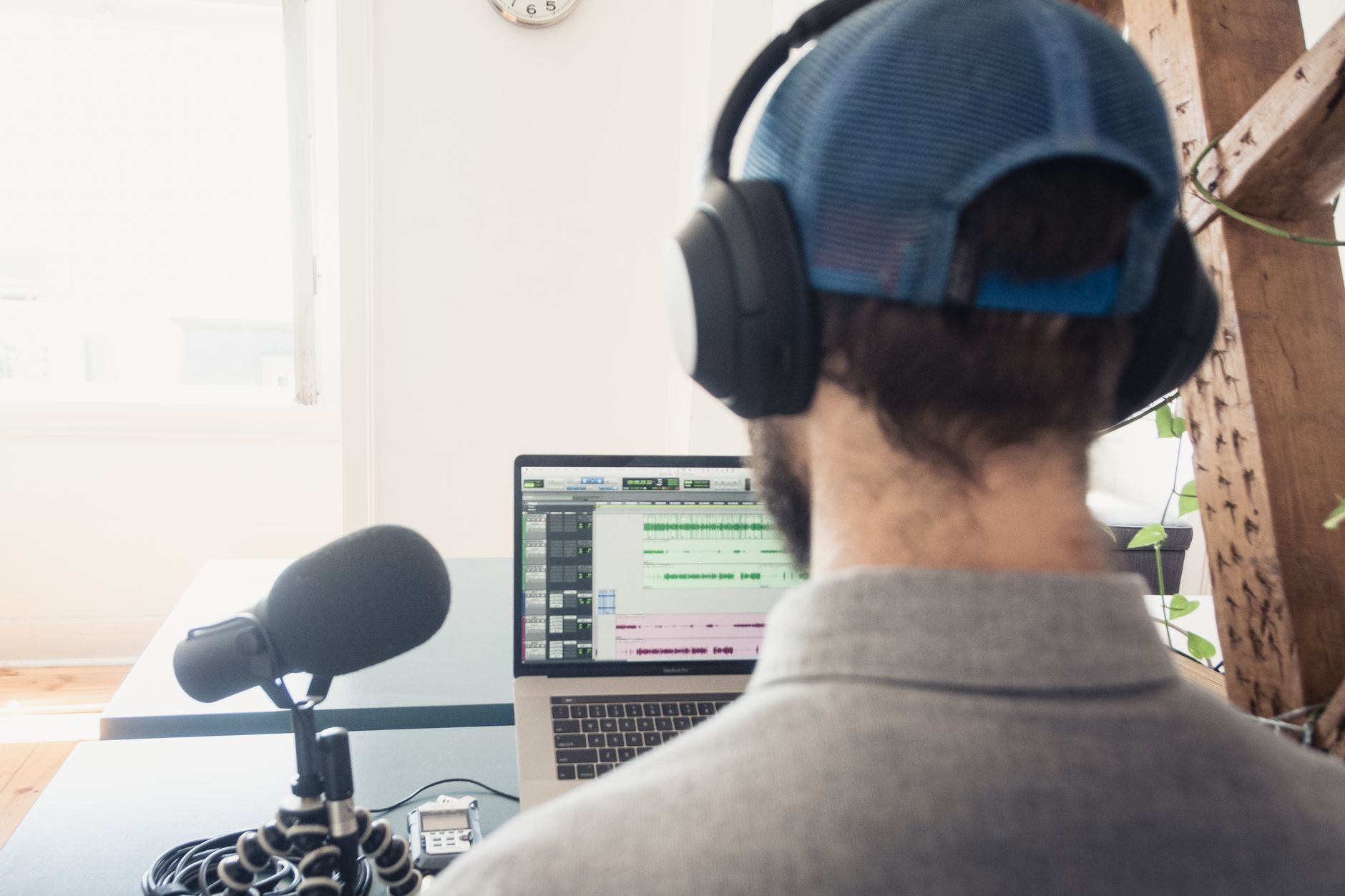
Descript treats your podcast like a text document you can edit by deleting words and sentences. The transcription accuracy directly impacts how smoothly you can remove filler words, awkward pauses, or entire segments.
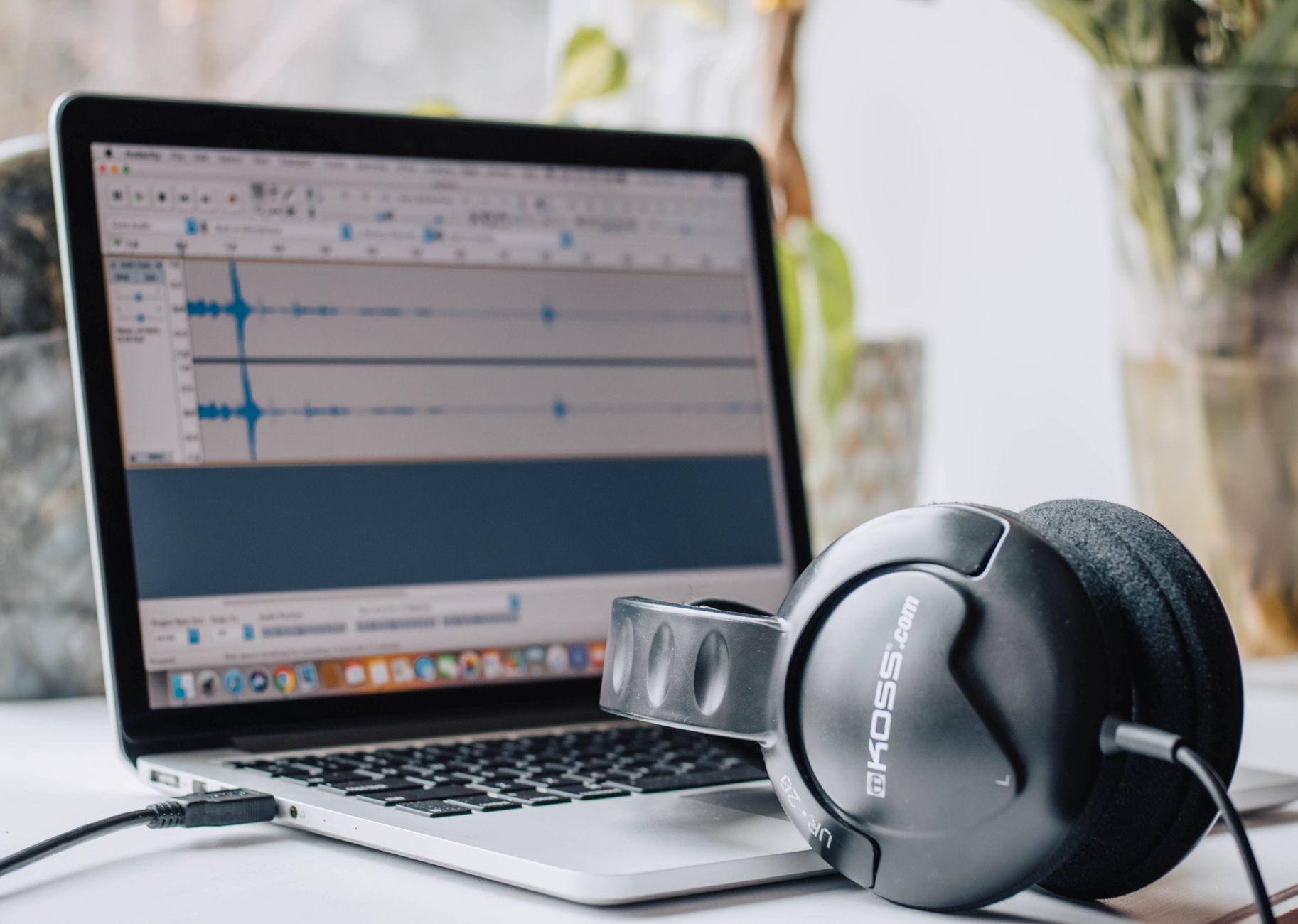
Otter AI focuses on transcription first, editing second. The workflow assumes you want clean text output with basic audio cleanup rather than detailed post-production control.
Your editing style determines which approach saves time. Heavy editors who cut substantial content and rearrange segments benefit from Descript’s visual approach. Light editors who primarily need transcripts with minimal audio touch-ups find Otter AI sufficient.
Where this fits and where it does not
Descript works for solo podcasters and small teams producing narrative content, interview shows, or educational series. The collaborative features handle multiple speakers reasonably well when transcription accuracy stays high.
Otter AI fits creators who prioritize transcription over audio editing. Content creators repurposing podcast audio into blog posts, social media quotes, or video captions find the transcription quality more valuable than editing capabilities.
Neither tool handles complex multi-track production, music integration, or professional-grade audio mastering. Creators producing highly produced shows still need traditional digital audio workstations for final output.
The part most reviews skip
Descript’s text-based editing breaks down when transcription accuracy drops below usable levels. Accents, technical terminology, or poor audio quality create transcripts that require more time to fix than traditional timeline editing would take.
Otter AI’s editing capabilities remain limited compared to dedicated audio editors. Removing background noise, adjusting levels between speakers, or handling complex audio issues requires exporting to other tools, adding steps to your workflow.
Both tools struggle with overlapping speech and crosstalk. Interview-style podcasts with frequent interruptions or multiple speakers talking simultaneously produce messy transcripts and require manual cleanup regardless of which platform you choose.

Where to start
Record a typical 20-30 minute episode and upload it to both platforms during their trial periods. Edit the same segment using each tool’s approach to identify which workflow feels more natural.
Focus on transcription accuracy for your specific voice, speaking style, and typical recording quality. Test both tools with background noise, multiple speakers, and technical terms you commonly use.
Start with Descript if you currently spend significant time cutting and rearranging audio content. Begin with Otter AI if transcription accuracy and speed matter more than detailed audio editing control.
Final thought
The choice between these tools comes down to whether you edit audio by listening and cutting, or prefer reading and deleting text. Neither approach is inherently superior, but one will align with how your brain processes editing tasks and save you genuine time each episode.
✍️ Optimize Your Content with NeuronWriter
Want to rank higher on Google? Try NeuronWriter — the AI-powered SEO writing tool we use to optimize every post.